Exact filter
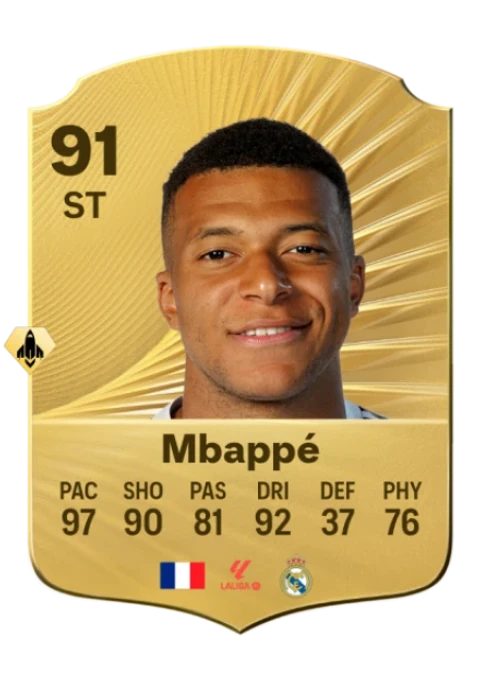
Mbappé
150,000 coin limit
Match your searchBuilt for your FC27 Web App
Snipe your targets. Build your squads. Find your edge with RushXI, right inside the EA Web App.
24-hour Basic trial · No card required
Explore the toolkit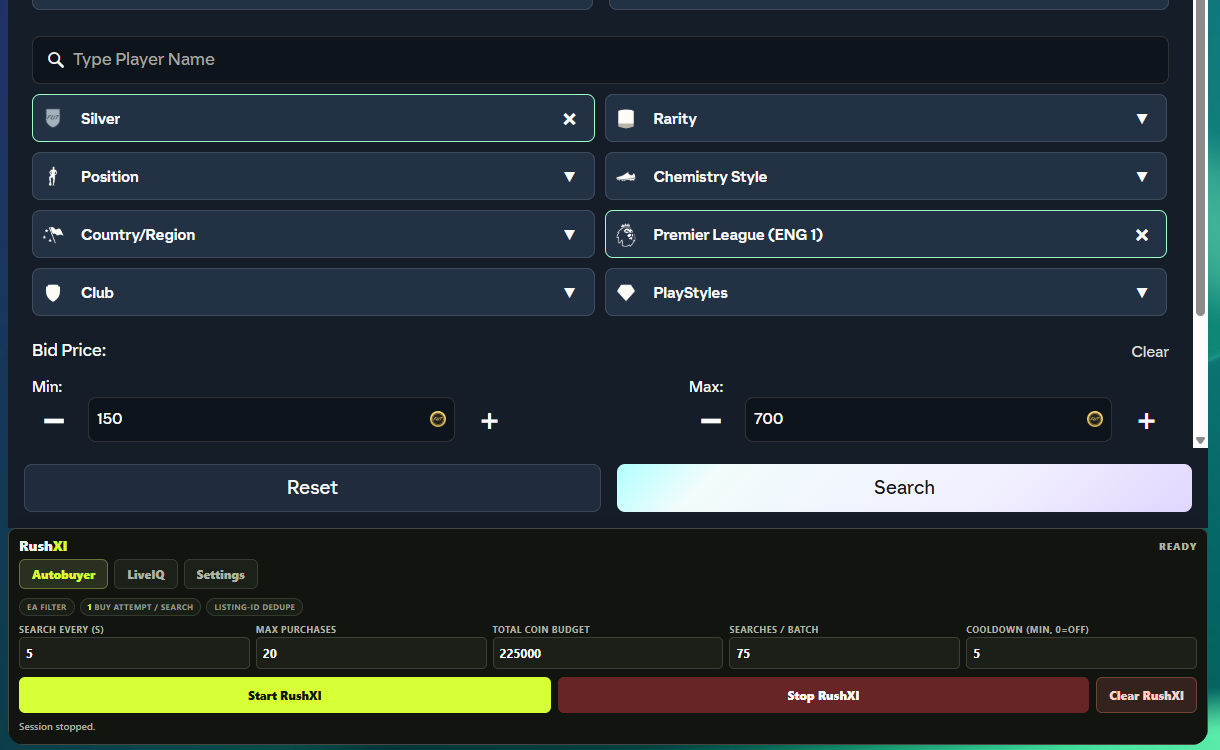
150,000 coin limit
Match your search80,000 coin limit
Keep your budget65,000 coin limit
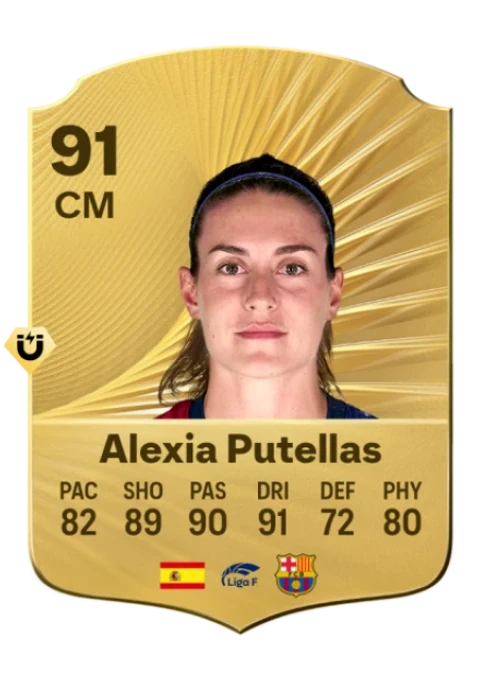
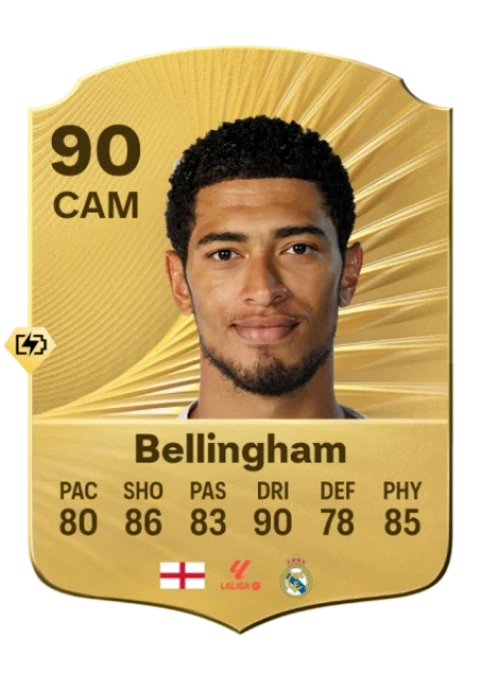
Choose your versionIllustrative player items and example limits. This is not a live FC27 feed or a record of purchases.
Four focused workflows.
One place beside your Web App.
Set the Transfer Market filters you already know. Standard Sniper searches for exact matches within your Maximum Buy Now and session limits.
Real FC27 Web App capture. Shown with the session stopped.
Set the Transfer Market filters you already know. Standard Sniper searches for exact matches within your Maximum Buy Now and session limits.
Build towards Squad Building Challenges with a view of your club and the players you want to protect. Review a solution before committing your squad.
Organize a set of targets and their buying and selling rules in one Gallery. Follow each step without losing track of the next player.
A dedicated special-card workflow for newly listed items. Compare the exact card version, check reference-price freshness, and see the return after the market fee.
Connect Discord and join our server. Your Basic trial becomes ready automatically. Your 24 hours start when you first pair a browser.
Add RushXI to Chrome, then use your activation key to connect your browser.
Sign in directly with EA. Set your filters and control your session inside the extension.
Account for the market fee. Work out your net profit, ROI, and break-even sale price in seconds.
Open profit calculatorStart with a 24-hour Basic trial.
Compare plans and availability
£4.99/ month
Your filters, your budget, your browser.
£9.99/ month
For traders who want a wider view of the market.
Published monthly pricing. Checkout currently uses Stripe test mode; no live payment is taken. Preview features are marked above.
Access, setup, and the things to check before you trade.
Read the guides Trading fundamentalsWhat FC27 changes about tradeable rewards and your club.
Read the update Free toolCheck the numbers with our after-fee profit calculator.
Try the calculatorConnect Discord and join our server to receive one 24-hour Basic trial automatically. The clock starts on your first successful browser pairing, not when you create your account. No payment card is required.
Standard Sniper uses your native EA filters and Maximum Buy Now. LiveIQ Trader is a separate 59th-minute workflow that compares exact card versions against reference prices and calculates return after the market fee.
Basic includes Standard Sniper. Iconic Trader adds LiveIQ and Hot Filters. SBC Solver, Gallery execution, and LiveIQ pricing support are under active development or validation; check the feature labels before choosing a plan.
No. Sign in only through the official EA Web App. RushXI does not receive your EA password, cookies, or two-factor codes.
Yes. Keep your authenticated EA Web App tab, browser, and device awake. RushXI does not trade from a remote server.
RushXI is independent and is not endorsed by EA. Third-party automation can lead to account restrictions. Read the terms before use.